
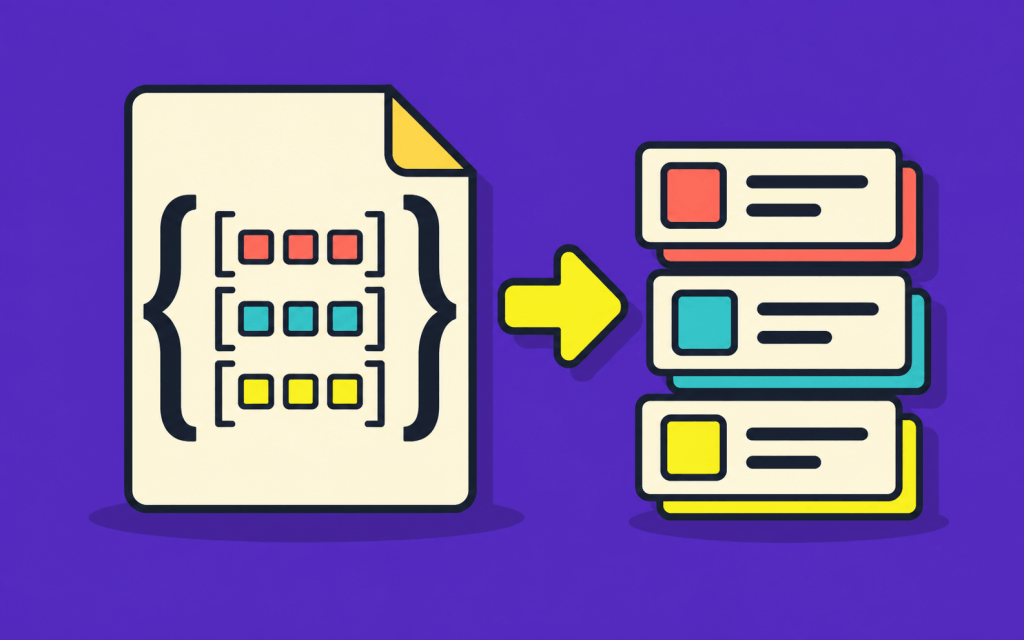
JSON columns are useful when a record has flexible attributes such as product specifications or a list of variants. Laravel can cast those columns when the model is read, so application code works with PHP objects instead of decoding JSON by hand.
Choose the cast that fits the data
The basic array cast is good for reading and replacing a full JSON value. When you need to edit an individual offset and save the model, AsArrayObject avoids the indirect-modification problem of a primitive array cast. AsCollection gives a JSON attribute Laravel Collection methods such as push and where.
use Illuminate\Database\Eloquent\Casts\AsArrayObject;
use Illuminate\Database\Eloquent\Casts\AsCollection;

class Product extends Model
{
    protected $casts = [
        'specs' => AsArrayObject::class,
        'variants' => AsCollection::class,
    ];
}
Define specs and variants as JSON columns in the migration. The cast changes how Eloquent presents the values; the database columns still store JSON.
Read and update a product
$product = Product::findOrFail($id);
$product->specs['ram'] = '32 GB';
$product->variants->push(['color' => 'Blue', 'price' => 1099]);
$product->save();

$premium = $product->variants->where('price', '>', 1000);
Initialize nullable JSON attributes before calling Collection methods, and validate the structure of incoming data. For fields you query or join frequently, ordinary relational columns or tables may be a better fit. See the Laravel casting documentation for supported behavior.
Based on: Abdo Host’s original article on Medium.